| 前のトピックへ :: 次のトピックへ |
| 作成者 |
メッセージ |
pepes 


登録日: 2012年8月22日
投稿: 612
所在地: Slovakia
|
 投稿日時: 金 4月 17, 2015 8:33 pm 件名: [AF] Kodak Ektar 100 Canon 28-135mm |
|
投稿日時: 金 4月 17, 2015 8:33 pm 件名: [AF] Kodak Ektar 100 Canon 28-135mm |
|
|
pepes wrote:
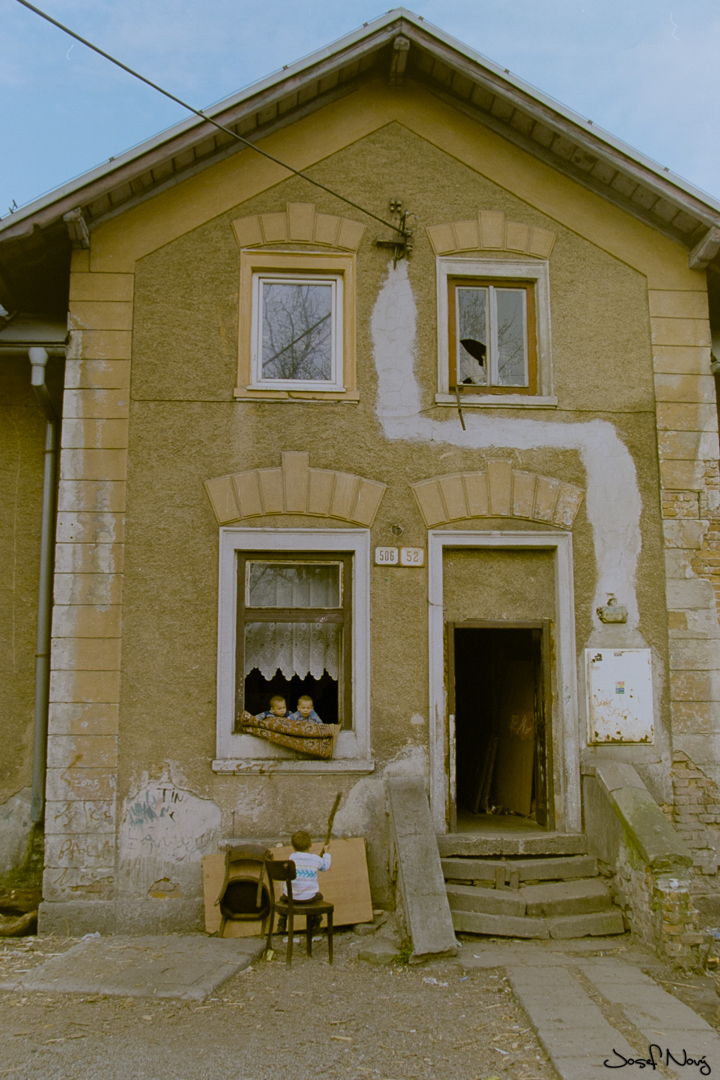
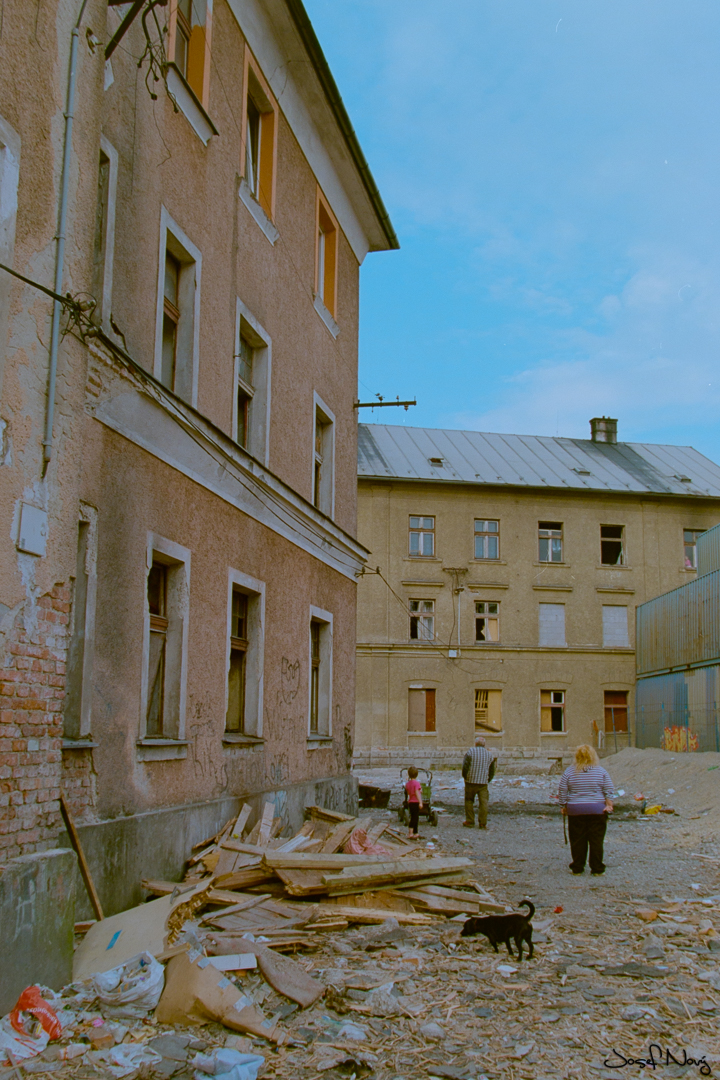
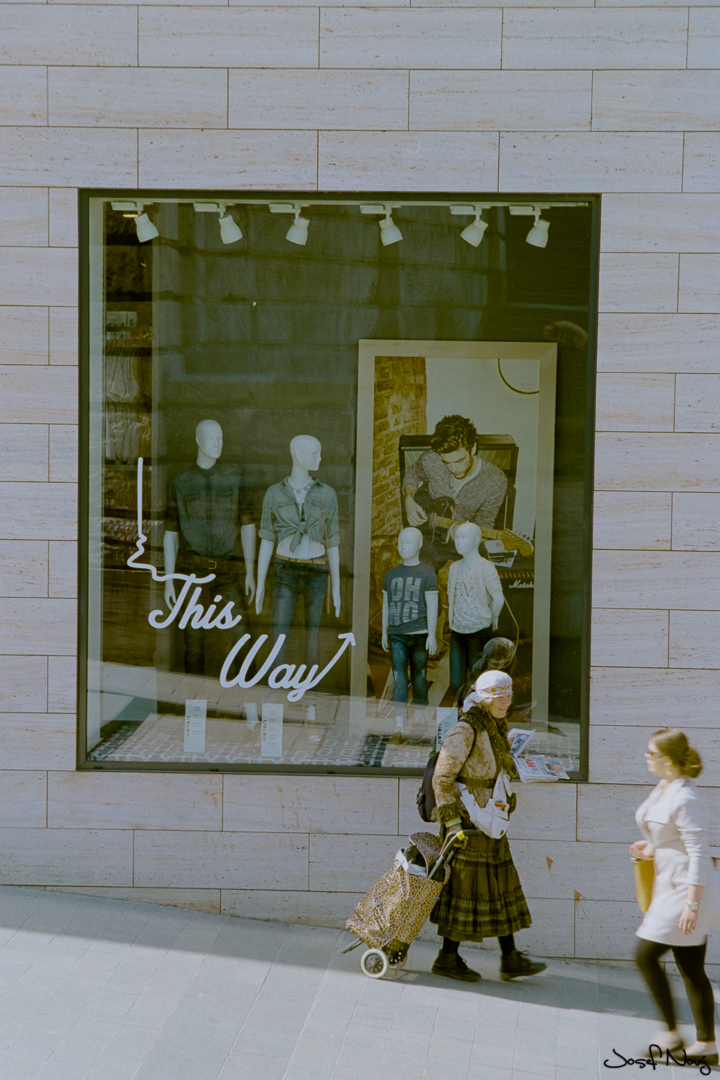
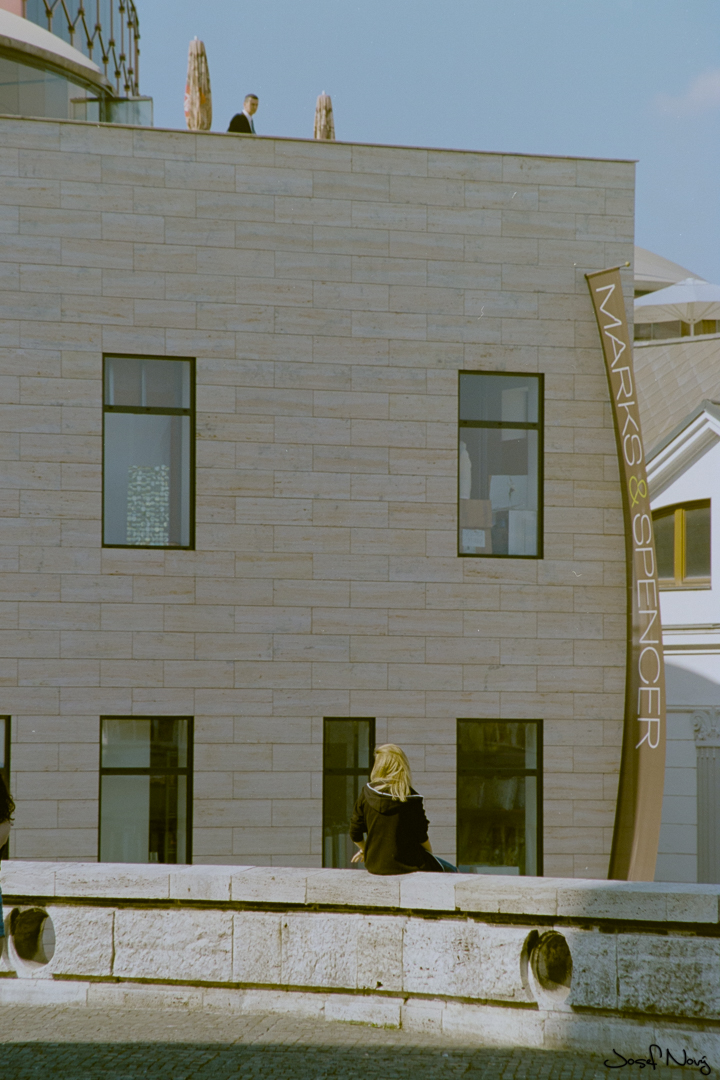
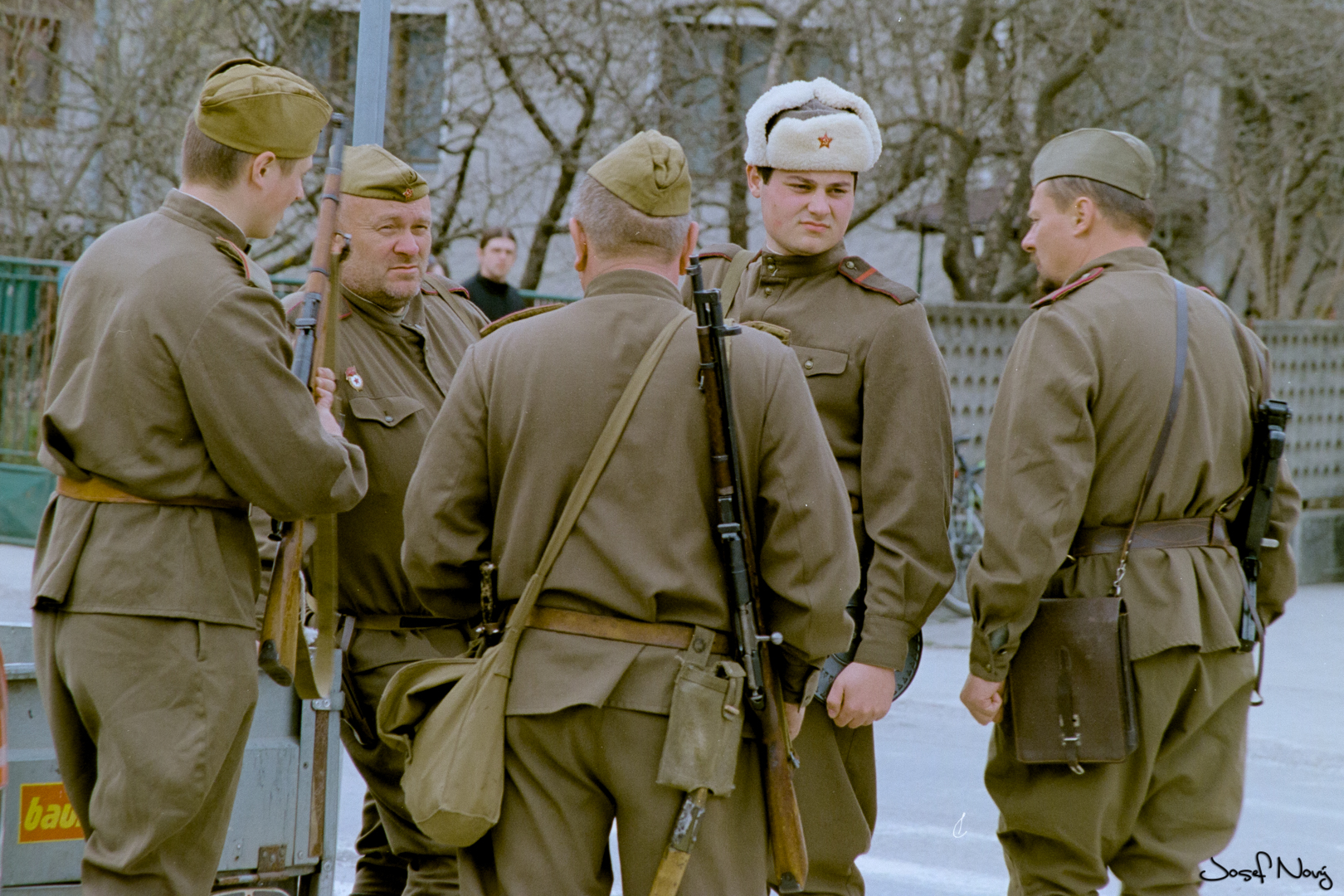
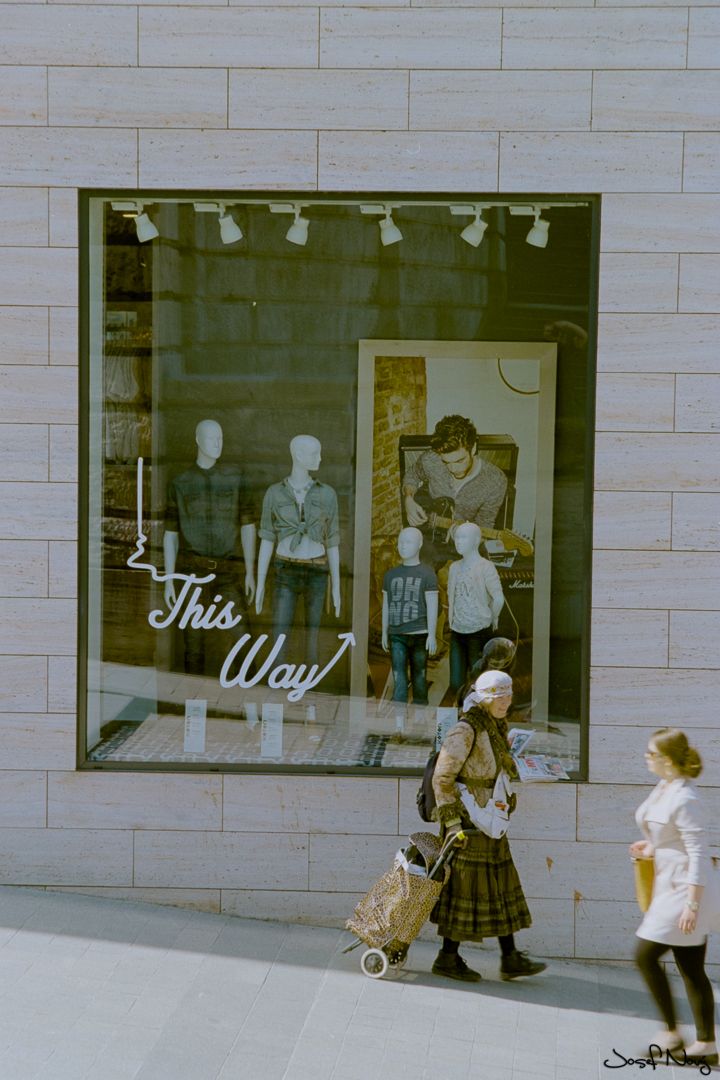
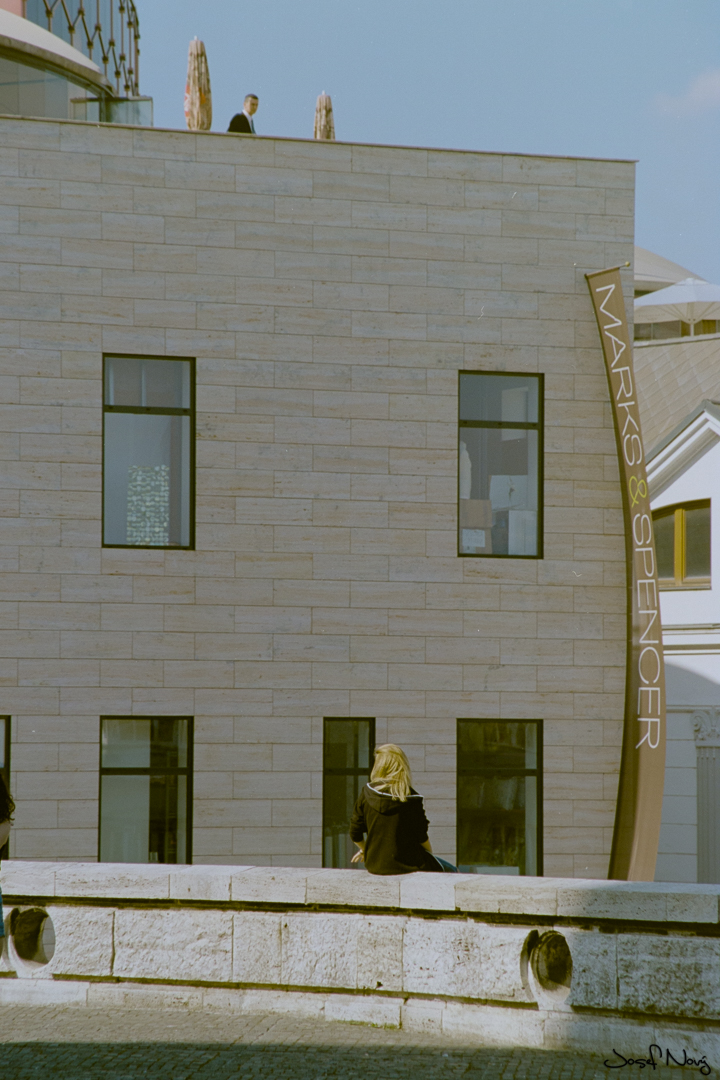
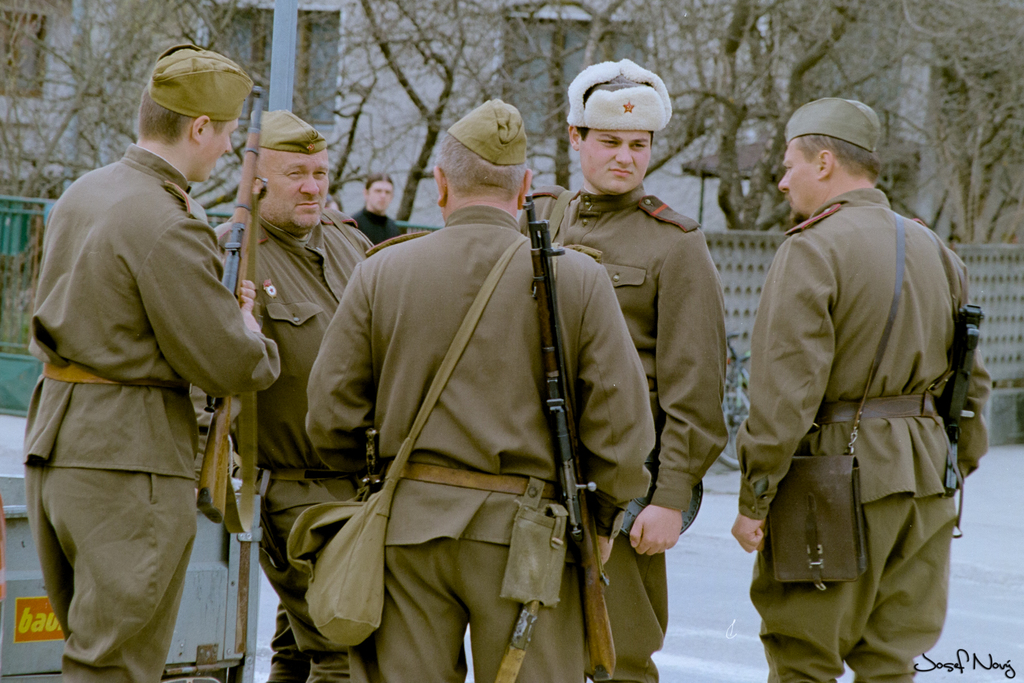
Kodak Ektar 100 fresh
Canon Elan 7 + Canon 28-135mm and 20-35mm
Canon 20-35 f8
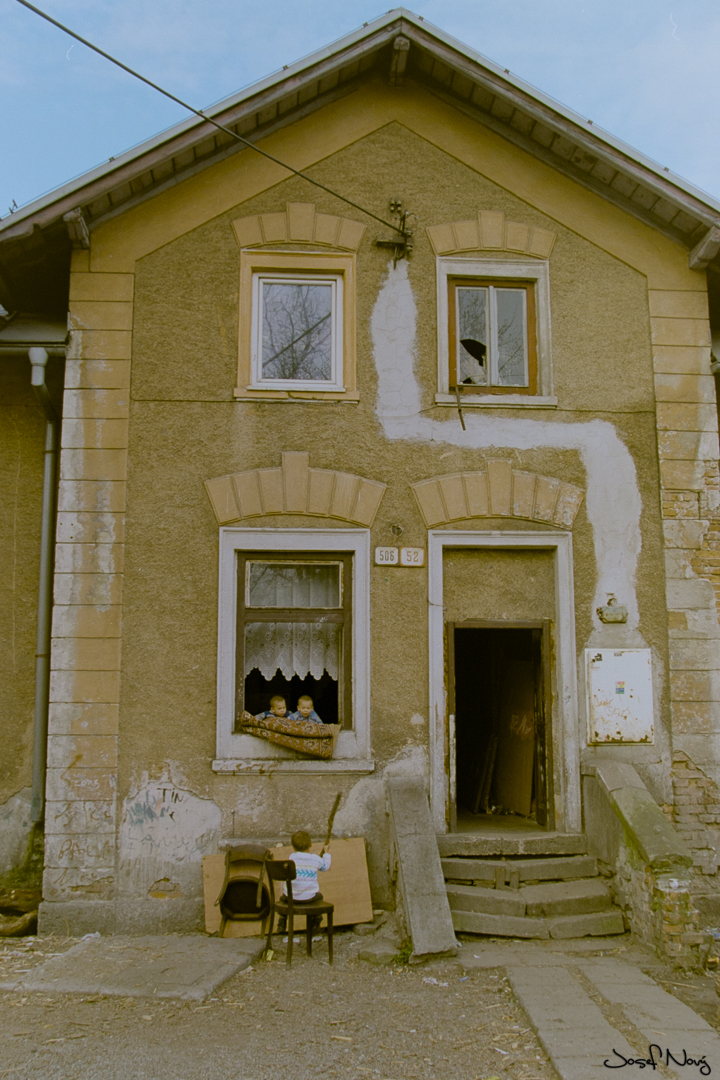
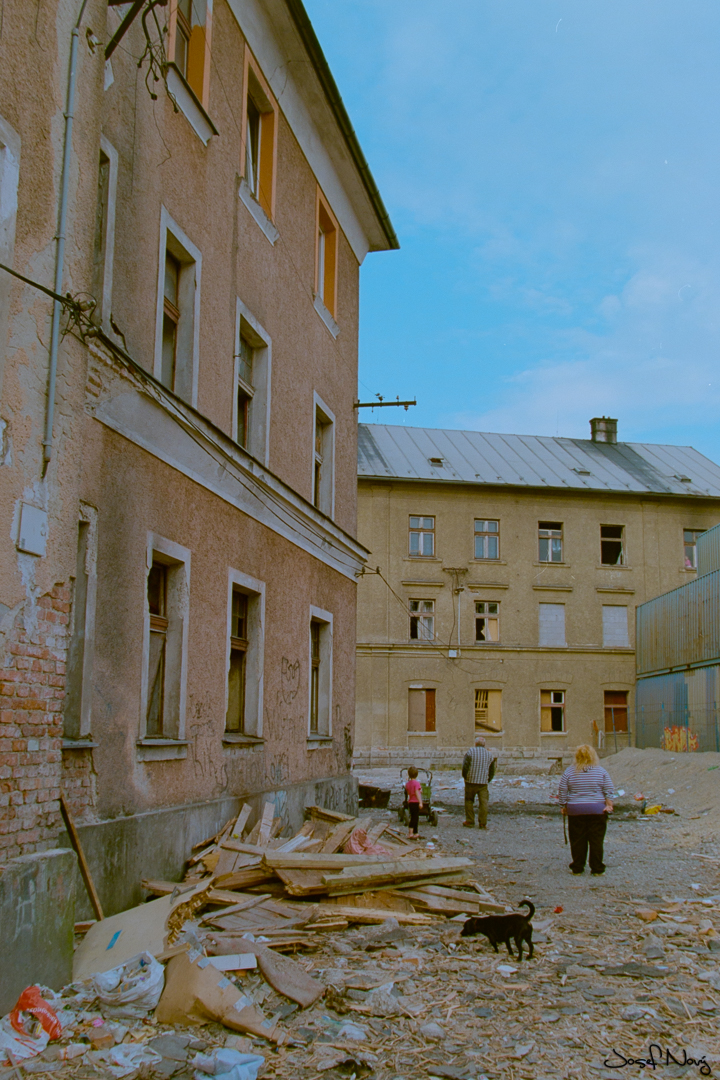
Canon 28-135mm f8-f11
_________________
https://www.instagram.com/josef.novy/
http://www.josefnovy.com
http://www.flickr.com/photos/pepes79/
http://www.facebook.com/josef.novy.1848
Gear : Canon 6D + EOS M3 M42 lens: CZJ Biometar 2.8/120, CZJ Pancolar Electric 1.8/50 MC, CZJ Flektogon 2.4/35 MC, P6 lens: Biometar 2.8/80, Biometar 2.8/120, Flektogon 4/50, Sonnar 2.8/180, EF lens Sigma Art 1.4/24, Art 1.4/50 and Canon EOS-M 15-45mm |
|
| トップへ戻る |
|
 |
vroger

登録日: 2014年7月23日
投稿: 623
所在地: MN
Expire: 2016-10-21
|
投稿日時: 土 4月 18, 2015 8:16 pm 件名: |
|
投稿日時: 土 4月 18, 2015 8:16 pm 件名: |
|
|
vroger wrote:
Thanks for sharing, I like the shots and seeing the area.
_________________
Roger Lund
Canon EOS-M, Fuji X-E2, Helois 44-0 Vintage, Helois 44-4, Canon FD 50mm 1.8, Jupiter 8 50mm F2, Jupiter 3 50mm F1.5, Canon Serenar 50mm 1.9, Canon 50mm 1.8 LTM, Canon Serenar 85mm F2, Leica 50mm f2 summar, E.Ludwig 50mm F2.9, Rekagon will.wetzlar 50mm 2.8,, a.schacht ulm travenar 135mm F3.5, CZJ 29mm 2.8 Hoya 28mm 2.8, CZ Tessar 50mm 2.8, MIR 37mm. 2.8, Porst Color Reflex MC 50mm 1.7, Vivitar 28mm 2.8 mc cf
http://photography.rogerlund.net
For sale: Canon EOS-M and MF Adapters. |
|
| トップへ戻る |
|
|
pepes
登録日: 2012年8月22日
投稿: 612
所在地: Slovakia
|
投稿日時: 月 4月 20, 2015 8:36 am 件名: |
|
投稿日時: 月 4月 20, 2015 8:36 am 件名: |
|
|
pepes wrote:
| vroger 氏の書き込み: |
| Thanks for sharing, I like the shots and seeing the area. |
Thank You 
_________________
https://www.instagram.com/josef.novy/
http://www.josefnovy.com
http://www.flickr.com/photos/pepes79/
http://www.facebook.com/josef.novy.1848
Gear : Canon 6D + EOS M3 M42 lens: CZJ Biometar 2.8/120, CZJ Pancolar Electric 1.8/50 MC, CZJ Flektogon 2.4/35 MC, P6 lens: Biometar 2.8/80, Biometar 2.8/120, Flektogon 4/50, Sonnar 2.8/180, EF lens Sigma Art 1.4/24, Art 1.4/50 and Canon EOS-M 15-45mm |
|
| トップへ戻る |
|
|
riddance77

登録日: 2011年1月28日
投稿: 511
所在地: Bavaria, Germany
|
投稿日時: 月 4月 20, 2015 7:30 pm 件名: |
|
投稿日時: 月 4月 20, 2015 7:30 pm 件名: |
|
|
riddance77 wrote:
The shots are really cool. Especially #1 and #4.
But the colors are really strange, don't looks like my Ektar shots.
_________________
Digital: Nikon D7100
Film: Minolta X-700/XD11/XE1, Nikon FM2n/FA/F100, Exakta VX500, Altix V, Mamiya 645 1000s, Seagul 4A, Seagull 203 |
|
| トップへ戻る |
|
|
pepes
登録日: 2012年8月22日
投稿: 612
所在地: Slovakia
|
投稿日時: 月 4月 20, 2015 8:18 pm 件名: |
|
投稿日時: 月 4月 20, 2015 8:18 pm 件名: |
|
|
pepes wrote:
| riddance77 氏の書き込み: |
The shots are really cool. Especially #1 and #4.
But the colors are really strange, don't looks like my Ektar shots. |
I don't have film scanner  only digitalize with manual lens and extension tubes. I have problem with color cast but I think with sw for scanner it is easy and better color results.
_________________
https://www.instagram.com/josef.novy/
http://www.josefnovy.com
http://www.flickr.com/photos/pepes79/
http://www.facebook.com/josef.novy.1848
Gear : Canon 6D + EOS M3 M42 lens: CZJ Biometar 2.8/120, CZJ Pancolar Electric 1.8/50 MC, CZJ Flektogon 2.4/35 MC, P6 lens: Biometar 2.8/80, Biometar 2.8/120, Flektogon 4/50, Sonnar 2.8/180, EF lens Sigma Art 1.4/24, Art 1.4/50 and Canon EOS-M 15-45mm |
|
| トップへ戻る |
|
|
riddance77
登録日: 2011年1月28日
投稿: 511
所在地: Bavaria, Germany
|
投稿日時: 月 4月 20, 2015 8:31 pm 件名: |
|
投稿日時: 月 4月 20, 2015 8:31 pm 件名: |
|
|
riddance77 wrote:
| pepes 氏の書き込み: |
| riddance77 氏の書き込み: |
The shots are really cool. Especially #1 and #4.
But the colors are really strange, don't looks like my Ektar shots. |
I don't have film scanner only digitalize with manual lens and extension tubes. I have problem with color cast but I think with sw for scanner it is easy and better color results. |
Your Problem is the orange mask of the negative.
It is difficult to remove without a scanner.
There is a photoshop plugin ColorPerfect. But it's user unfriendly.
I don't know the market in Slovakia, but in Germany you can get a used Plustek Opticfilm 7400 with Silverfast for about 100€.
_________________
Digital: Nikon D7100
Film: Minolta X-700/XD11/XE1, Nikon FM2n/FA/F100, Exakta VX500, Altix V, Mamiya 645 1000s, Seagul 4A, Seagull 203 |
|
| トップへ戻る |
|
|
|
|
|
このフォーラムでは新しいトピックを投稿できません
このフォーラムではトピックに返信できません
このフォーラムでは自分の投稿を編集できません
このフォーラムでは自分の投稿を削除できません
このフォーラムでは投票に参加できません
|
 日本語
 Español
 中文
 Magyar
 Русский
 Deutsch
 Français